
How To Reset Smart Plug
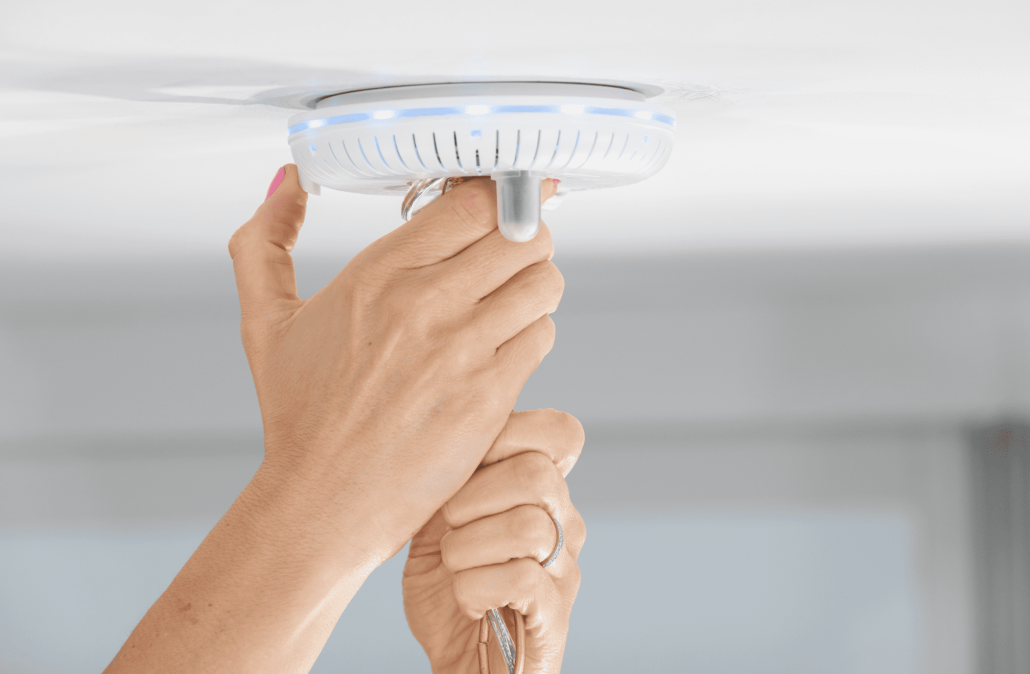
The importance of keeping your smart home devices up and running smoothly is what we aim to maintain, but it’s possible you have some troubleshooting that we want to help you avoid and teach you how to reset smart plug. One common issue that can occur with smart plugs is the need to reset them. In this article, we’ll go over the steps to reset your smart plug, so you can get back to enjoying the benefits of a fully functioning smart home.
Step 1:
Unplug the Smart Plug The first step in resetting your smart plug is to unplug it from the electrical outlet. This will ensure that it’s completely disconnected from power and any potential signals from your smart home hub or network.
Step 2:
Wait for 10-15 Seconds After unplugging the smart plug, wait for 10-15 seconds. This will give it enough time to fully power down and reset any internal settings that may be causing issues.
Step 3:
Press and Hold the Reset Button Once you’ve waited for the appropriate amount of time, locate the reset button on your smart plug. It’s usually a small button located on the side or bottom of the device. Press and hold the button for 5-10 seconds, or until you see the LED indicator on the smart plug start to flash rapidly.
Step 4:
Reconnect the Smart Plug After resetting your smart plug, you can now reconnect it to the electrical outlet. If your smart plug is connected to a smart home hub or network, make sure to reconnect it to your network as well.
Step 5:
Verify the Reset Was Successful To verify that the reset was successful, check to see if the LED indicator on the smart plug has stopped flashing and is now showing a solid color. You should also be able to control the smart plug using your smart home app or voice assistant.
How to reset smart plug is a simple process that can often resolve any issues you may be experiencing. By following these steps, you can quickly get your smart plug back up and running, and continue enjoying the benefits of a smart home.



Leave a Reply
Want to join the discussion?Feel free to contribute!