
how to install smart switch
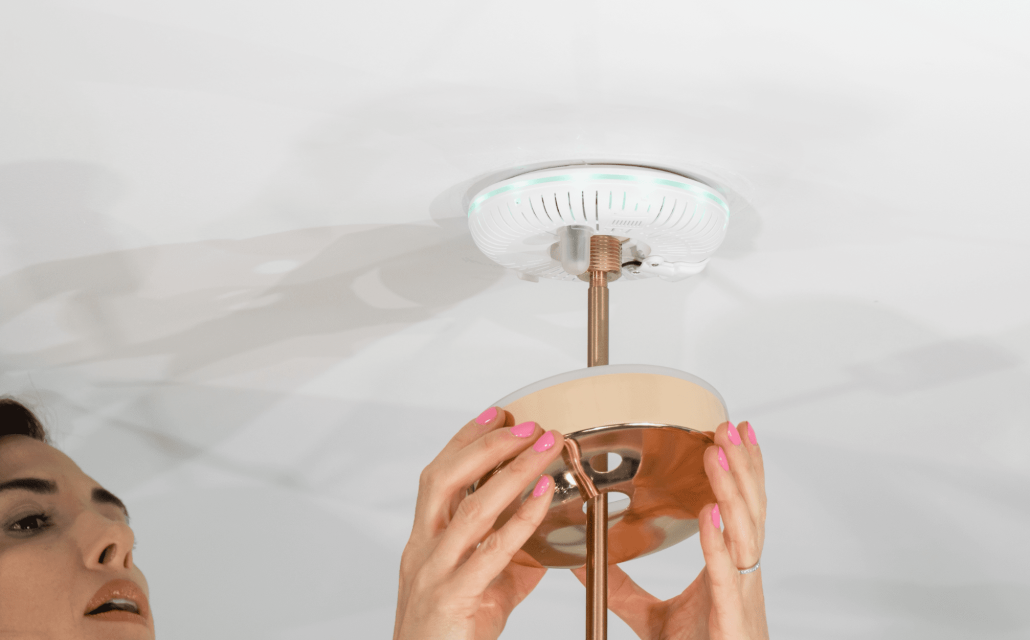
Smart switches are becoming increasingly popular in modern homes, offering convenience, energy efficiency, and enhanced control over lighting systems. If you’re eager to upgrade your home with this intelligent technology but are unsure about the installation process, fear not! In this comprehensive guide, we’ll walk you through the steps of how to install smart switch, ensuring a smooth and successful integration into your home automation system.
-
Assess Compatibility and Gather Necessary Tools:
Before diving into the installation process, it’s essential to ensure compatibility between your current electrical setup and the smart switch you plan to install. Most smart switches require a neutral wire, so check if your electrical box has one. Additionally, gather the necessary tools, including a screwdriver, wire stripper, voltage tester, and pliers, to complete the installation safely and efficiently.
-
Turn Off Power:
Safety should be your utmost priority when working with electrical components. Start by locating your home’s circuit breaker panel and turning off the power supply to the room where you’ll be installing the smart switch. To be extra cautious, use a voltage tester to verify that the power is indeed turned off before proceeding.
-
Remove the Old Switch:
Carefully unscrew the faceplate of your existing switch to expose the wires. Once done, unscrew the switch from the electrical box. Take note of the wire connections on the old switch, as you will need this information for the subsequent steps.
-
Disconnect and Reconnect Wires:
Using your wire stripper or pliers, remove the wire nuts and disconnect the wires from the old switch. Take note of the wire colors and their corresponding functions (e.g., live, load, neutral). Then, reconnect these wires to the corresponding terminals on the smart switch, following the manufacturer’s instructions. Typically, this involves attaching the live wire to the “line” terminal, the load wire to the “load” terminal, and the neutral wire to the “neutral” terminal.
-
Mount the Smart Switch:
Gently push the connected wires back into the electrical box, ensuring they are not strained or tangled. Align the smart switch with the screw holes on the electrical box and securely fasten it in place using the provided screws. Double-check that the wires are properly positioned and not in danger of being pinched by the smart switch or electrical box.
-
Attach the Faceplate:
Once the smart switch is securely mounted, attach the faceplate provided with the switch. Align it with the switch and screw it into place, ensuring a snug fit. This faceplate adds a professional finish to your installation while protecting the internal components.
-
Restore Power and Test:
With the smart switch properly installed, it’s time to restore power to the room by flipping the circuit breaker back on. Verify that the smart switch has power by checking if the LED indicators or the switch itself illuminate. Use the designated smartphone app or follow the manufacturer’s instructions to connect the smart switch to your home automation system.
By following these step-by-step instructions on how to install smart switch, you can confidently install a smart switch in your home, transforming your lighting system into a smart and convenient setup. Remember to prioritize safety throughout the process, double-check connections, and consult the manufacturer’s instructions specific to your smart switch model. With a little effort, you’ll soon enjoy the benefits of a seamlessly integrated and automated lighting experience in your modern home.



Leave a Reply
Want to join the discussion?Feel free to contribute!